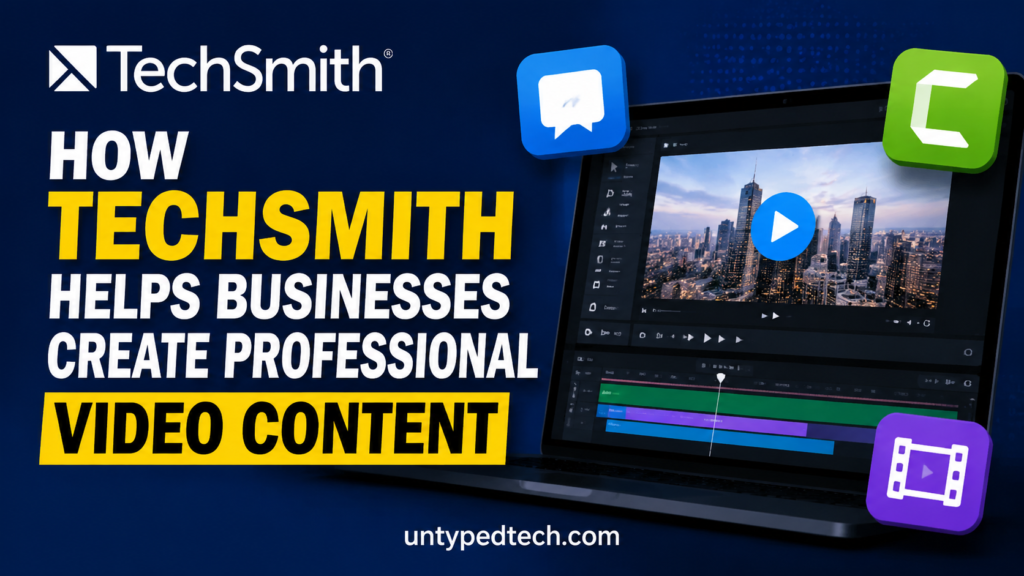
In today’s fast‑moving digital age, video content is no longer a luxury — it’s a business essential. Whether you’re training new employees, showcasing a product demo, or communicating with remote colleagues, video delivers clarity and engagement that text alone can’t match. But creating professional‑quality video often sounds complicated, expensive, and time‑consuming. Enter TechSmith — a software company that has become a go‑to solution for businesses looking to produce effective video content without the traditional hurdles of video production.
Businesses big and small — from global enterprises to agile teams — are increasingly turning to TechSmith’s suite of tools to empower both novice and experienced creators. Across its flagship software like Camtasia, Snagit, Audiate, and Screencast, TechSmith helps teams turn ideas into clear, compelling videos that inform, educate, and inspire. This article explores how TechSmith supports video creation throughout a business environment, saving time, reducing complexity, and elevating communication quality.
Table of Contents
ToggleThe Rising Importance of Video in Business Communication
Why Businesses Are Investing in Video
If you’ve been paying attention to marketing stats, you already know that video consumption is exploding — and with good reason. Videos are not only more engaging but also easier for audiences to process and retain. For businesses, this means better results in employee training, product adoption, and customer understanding.
Companies are telling richer stories, simplifying complex explanations, and connecting with audiences through visuals, sound, and motion — all at scale. Video has become a vital communication tool, whether it’s for a quick “how‑to” clip or a polished brand presentation.
The Challenges of Professional Video Production
However, conventional video production can be daunting. It often requires expensive equipment, technical editing skills, and time‑intensive workflows. For many businesses — especially those without dedicated content teams — creating polished videos can feel out of reach. That’s where TechSmith changes the game.
TechSmith — A Trusted Partner for Visual Content Creation
Origins and Market Position
TechSmith has long been associated with screen capture and video software. Known for robust, intuitive tools, the company supports professionals in building visual content that resonates. Its products aren’t just feature‑rich — they’re designed to suit business needs first, fusing ease of use with powerful capabilities that scale from individual contributors to enterprise teams.
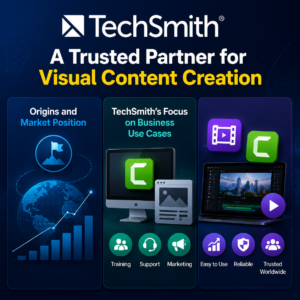
TechSmith’s Focus on Business Use Cases
Unlike general video editors intended for consumer creators, TechSmith’s tools are engineered for the practical needs of everyday business tasks — teaching, training, communicating, demonstrating, and storytelling. Each product fills a specific niche in the creation process and integrates smoothly with team workflows.
Core Products That Empower Business Video Makers
TechSmith’s success lies in its well‑crafted product ecosystem — each piece serving a unique purpose while integrating into a broader video creation pipeline.
Camtasia – All‑in‑One Video Creation Suite
At the heart of TechSmith’s business offerings is Camtasia, a powerful platform that blends screen recording, editing, and AI tools into a single hub.
Intelligent Screen Recording
Camtasia allows users to record their screen, webcam, and audio simultaneously with industry‑leading clarity. Instead of relying on external cameras or complex setups, you can capture exactly what’s on your screen — perfect for tutorials, software demos, and walkthroughs.
Powerful Editing Tools
Once recorded, the real magic begins. Camtasia’s editor helps creators refine their videos with drag‑and‑drop ease. Need to cut mistakes, add transitions, insert callouts, or adjust pacing? The intuitive timeline interface makes even complex edits feel straightforward.
AI‑Powered Enhancements
Today’s Camtasia includes AI‑assisted tools that automate tedious tasks and elevate the final result. Features like automatic transcription, AI‑generated voice overs, background noise removal, and dynamic captioning boost productivity and broaden accessibility. These tools help creators achieve high‑quality production values without hours of manual tweaking.
Snagit – Quick Capture and Visual Communication
While Camtasia handles full‑scale video projects, Snagit is all about efficiency and clarity.
Screenshot and Video Capture
Need to capture a screen moment fast? Snagit lets you record screenshots and short video clips quickly, adding valuable context to tutorials, updates, and internal comms. Its speed and simplicity are its strongest points.
How TechSmith Software Streamlines Video Workflows
Simplifying Screen Recording for Teams
TechSmith’s tools strip away complexity. With intuitive interfaces and practical features, anyone on a team — from interns to executives — can record quality screen videos without a steep learning curve. This democratizes content creation and reduces reliance on external production teams.
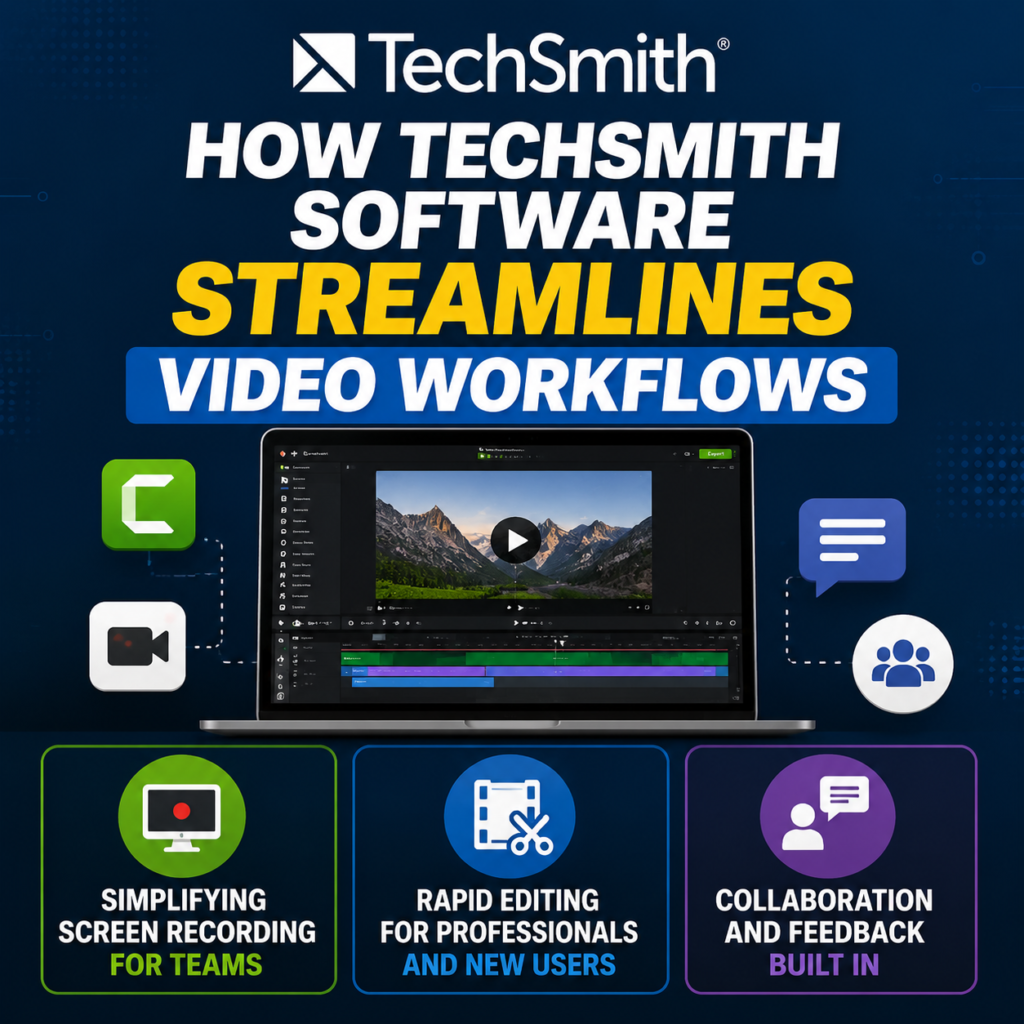
Rapid Editing for Professionals and New Users
Whether you’re trimming clips, adding captions, or polishing sound, TechSmith makes editing approachable. Its combination of traditional editing tools and AI‑assisted features accelerates workflows while maintaining professional polish.
Collaboration and Feedback Built In
Business video creation often involves multiple contributors. With cloud‑based reviews, project sharing, and version access, TechSmith’s suite helps teams align faster and iterate smarter.
Practical Business Use Cases
Across industries, TechSmith tools are proving invaluable in real scenarios:
Internal Training & Onboarding Videos
Train new hires more effectively with consistent video content. Rather than repeating the same presentation, teams can record once and reuse it anytime — saving hours of repetitive explanation.
Customer Education & Product Demos
Showcasing product features through compelling video helps customers learn faster and live better with your product. Visual demos reduce support tickets and boost user satisfaction.
Marketing & Brand Storytelling
From animated annotations to engaging voiceovers, TechSmith tools help teams craft videos that resonate with audiences — improving engagement and brand recall.
Remote Team Communication
With distributed teams now the norm, video bridges gaps that email and chat cannot. Snagit clips, combined with Screencast feedback loops, help teams stay coordinated and informed asynchronously.
Accessibility and Scalability for Growing Companies
Enterprise‑Level Licensing and IT Deployment
TechSmith offers scalable licensing options that suit large teams and enterprises. IT admins can deploy software across organizations while maintaining consistent branding and tools for everyone.
Cross‑Platform Compatibility
Available on both Windows and macOS, TechSmith’s tools support diverse environments — ensuring teams can produce content regardless of their device preferences.
Comparing TechSmith to Other Video Tools
Strengths vs. Simpler Editors
Tools like browser‑based editors or mobile apps might be fast, but they lack the depth and precision that Camtasia and Snagit bring — especially for tutorial‑style, multi‑track, and enterprise needs.
Strengths vs. Large Professional Platforms
Compared with heavyweight professional suites, TechSmith hits a sweet spot — powerful features without overwhelming complexity, making it ideal for business users rather than specialist filmmakers.
Why Businesses Choose TechSmith Over Traditional Video Production
Traditional video production often requires expensive cameras, professional editing software, dedicated studios, and experienced editors. For many businesses, especially startups and small-to-medium enterprises, these requirements can quickly become costly and time-consuming. TechSmith offers a practical alternative by providing tools that simplify the entire video creation process. Employees can record their screens, edit videos, add professional effects, and publish content without needing advanced technical skills.
This ease of use allows organizations to create professional-quality videos internally, reducing dependence on external agencies and freelancers. Teams can quickly update training materials, create customer support tutorials, and share important company updates whenever needed. As a result, businesses save money while maintaining full control over their content creation process.
Benefits of Using TechSmith for Employee Training
Employee training is one of the most important applications of TechSmith software. Organizations often spend significant resources conducting repetitive training sessions for new hires and existing employees. By creating training videos with Camtasia and Snagit, companies can build a reusable knowledge base that employees can access anytime.
Video-based training improves knowledge retention because learners can watch demonstrations, visual examples, and step-by-step instructions rather than relying solely on written documentation. Employees can pause, replay, and revisit important concepts whenever necessary, resulting in better understanding and fewer mistakes.
Future Vision — AI and the Business Video Landscape
Emerging AI Features and Trends
TechSmith continues to embrace AI, integrating capabilities like script generation and AI avatars — innovations that streamline creation, reduce repetitive tasks, and empower teams to produce more, faster.
What This Means for Businesses
As AI evolves, businesses can expect even richer tools that reduce time, increase impact, and expand creativity — all while making video content more accessible to creators at every skill level.
Conclusion
TechSmith has carved out a powerful niche in the world of business video creation by focusing on tools that make professional production accessible to everyone. From recording and editing to sharing and collaboration, its products help teams cut through complexity, save time, and communicate more effectively. Whether you’re building training videos, demos, or internal updates, TechSmith provides the toolkit businesses need to produce content that looks polished and feels professional.
Read Also:
Glow Tips and Strategies for Enhancing Your Natural Beauty
Top Benefits of Choosing Ameropa DE for Your Vacation Planning
How to Promote Mobile Pixels Affiliate Program Successfully
Top Features That Make Evaneos ES Popular Among Modern Travelers
SimpliSafe Home Security vs Competitors: Which Security System Wins?
Frequently asked questions
TechSmith’s suite is designed specifically for business use — combining recording, editing, AI‑assisted enhancements, and cloud collaboration in one ecosystem, making it more practical for teams than generic editors.
Yes, intuitive interfaces and AI features simplify the process so even beginners can produce polished content.
Absolutely — with site licensing, centralized deployment, and enterprise‑grade features, TechSmith scales to large organizations.
Yes. Screencast provides cloud hosting and review features, enabling teams to share and give feedback easily.
Yes — most tools, including Camtasia and Snagit, are available for both Windows and macOS.