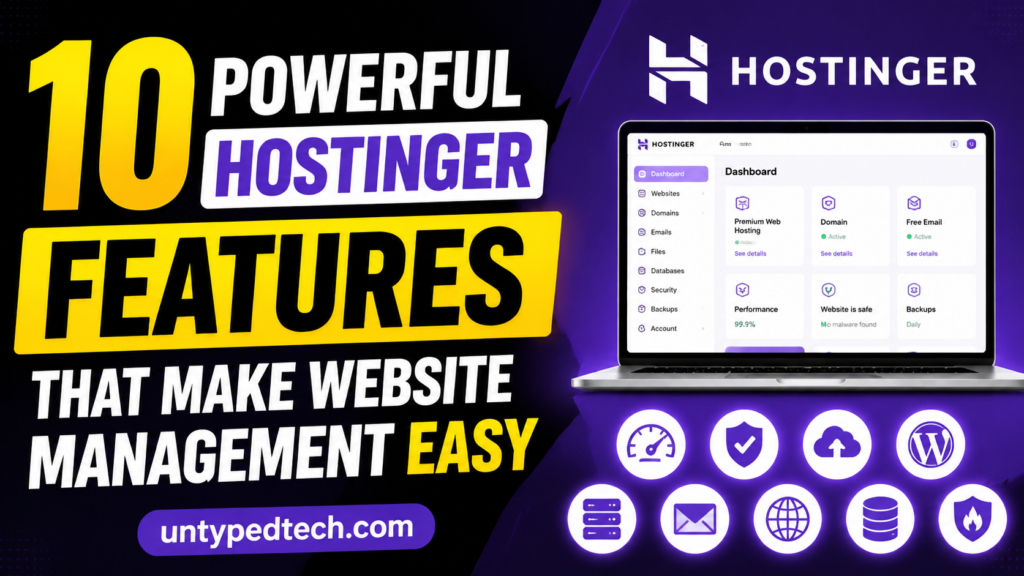
If you are looking for a simple yet powerful way to manage your website, then this blog post on “10 Powerful Hostinger Features That Make Website Management Easy” is perfect for you. It explores how Hostinger has become one of the most beginner-friendly and efficient hosting platforms in 2026. From its easy-to-use hPanel control panel to AI-powered website building tools, the article highlights how Hostinger simplifies every step of website management. Whether you are a beginner or a growing business owner, you will learn how Hostinger helps you save time, improve performance, and enhance website security without technical complexity.
Table of Contents
ToggleIntroduction to Hostinger in 2026
Managing a website today is not just about uploading files or writing blogs; it is about speed, automation, security, and user experience. This is exactly where Hostinger stands out in the modern hosting industry. Over the years, Hostinger has evolved from a budget hosting provider into a full-scale website management ecosystem powered by AI tools, cloud infrastructure, and a highly simplified control panel known as hPanel. According to recent 2026 hosting reviews, it delivers around 99.96% to 99.99% uptime performance, making it one of the most stable budget-friendly hosting solutions available today .
What makes Hostinger especially attractive is its ability to simplify complex technical operations. Instead of requiring advanced server knowledge, it allows beginners, freelancers, and businesses to manage websites effortlessly. From AI website creation to automated backups and built-in security, everything is designed to reduce manual workload. A single dashboard streamlines even more complex tasks like email setup, WordPress installation, and DNS configuration. Millions of people now depend on Hostinger for website maintenance because of this move toward simplicity.
Why Hostinger Became a Global Hosting Leader
The rise of Hostinger is not accidental; it is the result of a carefully structured strategy focused on affordability, usability, and performance. Unlike traditional hosting companies that depend heavily on complex dashboards like cPanel, Hostinger built its own ecosystem to improve user experience. This includes hPanel, AI-powered tools, and optimized server infrastructure powered by LiteSpeed technology. Recent industry comparisons also show that Hostinger often outperforms competitors in speed tests while still remaining significantly cheaper in entry-level pricing.
Another reason behind its popularity is its global infrastructure. Hostinger operates data centers across multiple continents, including Europe, Asia, and North America, ensuring fast loading speeds worldwide. Combined with Cloudflare CDN integration, this reduces latency significantly for international audiences. Additionally, its AI assistant system, Kodee, automates tasks such as server configuration and troubleshooting, reducing the need for manual support intervention.
In a competitive hosting market, Hostinger stands out because it balances three important factors: performance, simplicity, and affordability. This combination has made it one of the most recommended hosting providers for beginners and small businesses looking for scalable growth.
Advanced Security Features
Malware Protection, SSL, and Firewall
Security is a major concern for any website owner, and Hostinger addresses this with multiple layers of protection. Every hosting plan includes a free SSL certificate, ensuring encrypted data transfer between users and websites. This improves both security and SEO ranking.

In addition, Hostinger provides built-in malware scanning and firewall protection. These systems automatically detect suspicious activity and block potential threats before they can harm the website. DDoS protection is also included to prevent server overload attacks.
This security ecosystem ensures that even beginners can run websites without worrying about complex cybersecurity management.
hPanel Control Panel – The Heart of Management
Clean Dashboard and Navigation System
One of the strongest features of Hostinger is its custom-built control panel known as hPanel. Unlike traditional systems that feel cluttered and outdated, hPanel offers a clean and intuitive interface that organizes everything in one place. Users can manage domains, websites, emails, files, and databases without switching between multiple tools. This centralized structure makes website management far more efficient, especially for beginners who may feel overwhelmed by technical dashboards.
The dashboard interface was created with ease of use in mind. Important metrics such as storage usage, bandwidth consumption, and uptime status are clearly displayed. Even non-technical users can understand what is happening with their website at a glance. This is one of the reasons why Hostinger is often recommended for first-time website owners.
One-Click Website and App Management
Another powerful aspect of hPanel is its one-click installation system. Users can install WordPress, Joomla, and other applications within seconds without manual configuration. As a result, complicated setup procedures are no longer necessary. Website migration is also simplified, allowing users to move existing websites with minimal downtime.
The automation extends further into email setup, SSL activation, and domain linking. Everything is designed to reduce human effort while maintaining high reliability. This makes hPanel not just a control panel but a complete website management ecosystem.
Top Benefits of Hostinger for Web Hosting
Easy Website Management:
Hostinger’s hPanel makes it simple to control websites, domains, and emails from one place without technical skills.
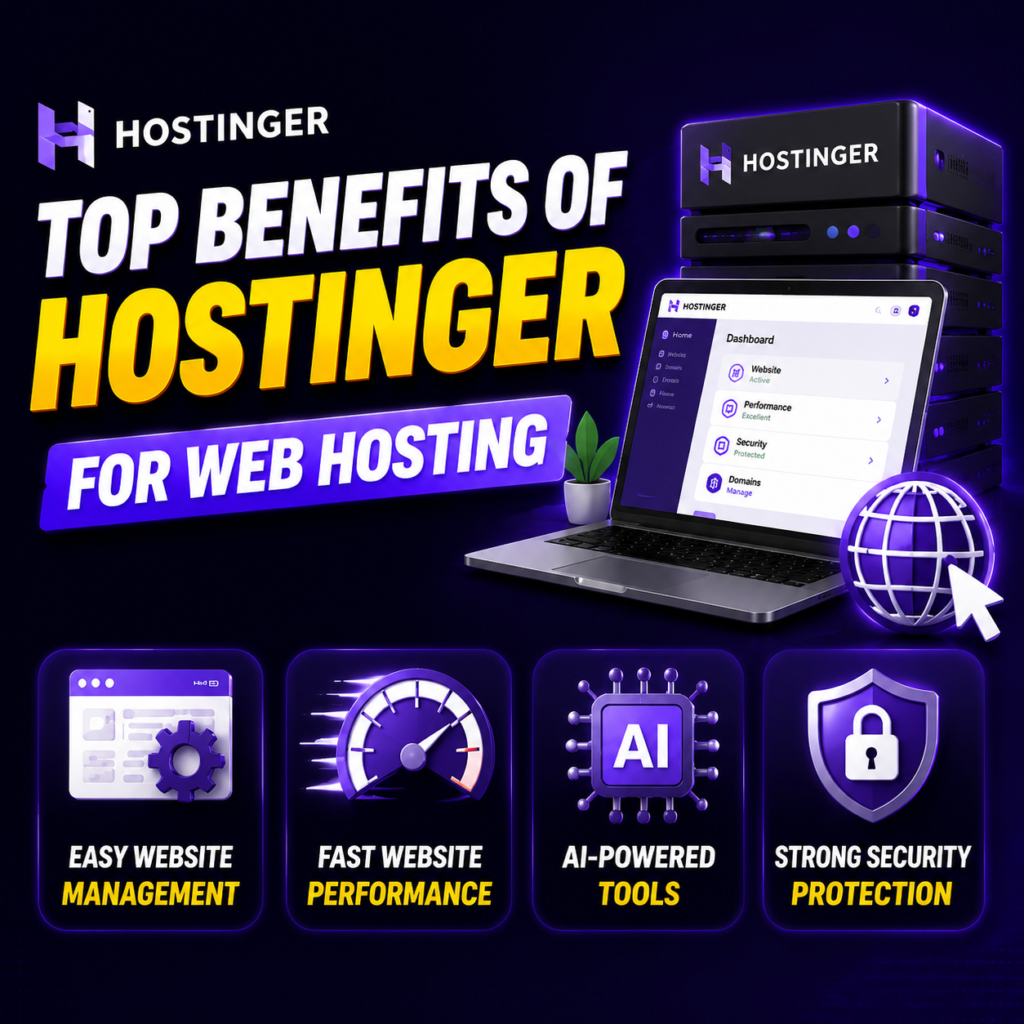
Fast Website Performance
Powered by LiteSpeed servers and SSD/NVMe storage for ultra-fast loading speed and better SEO rankings.
AI-Powered Tools
Built-in AI website builder helps create professional websites quickly without coding knowledge.
Strong Security Protection
Free SSL, firewall, and malware scanning keep websites safe from attacks and threats.
AI Website Builder – Smart Site Creation
AI-Powered Design Assistance
The AI Website Builder inside Hostinger is one of its most innovative tools. Instead of manually designing a website, users can simply describe their business or idea, and the AI generates a complete website structure. This includes layout design, color schemes, and content suggestions. According to recent 2026 reports, this system can create functional websites within minutes, making it one of the fastest website-building solutions available today .
This feature is especially useful for entrepreneurs who lack design or coding skills. The AI adapts to user input and improves design consistency automatically. It also provides real-time previews, helping users see changes instantly before publishing.
Pre-Built Templates and Customization
Alongside AI generation, Hostinger also provides a wide collection of professionally designed templates. These templates can be customized using drag-and-drop functionality. Without interacting with coding, users can alter sections, layouts, text, and images. This hybrid system of AI plus manual customization gives users full creative control while keeping the process simple.
Performance Optimization and LiteSpeed Technology
CDN Integration and Speed Enhancements
Both user experience and SEO rankings are significantly impacted by a website’s speed. Hostinger uses LiteSpeed web servers combined with SSD or NVMe storage to deliver fast loading times. In many performance tests, websites hosted on Hostinger load significantly faster than those on traditional Apache-based servers.
Additionally, integrated CDN (Content Delivery Network) ensures that website content is delivered from the nearest server location. This enhances worldwide performance and lowers latency. Even under heavy traffic conditions, Hostinger maintains stable uptime, which is crucial for business websites and e-commerce platforms.
Automated Backup System
Daily and Weekly Backup Options
One of the most valuable features of Hostinger is its automated backup system. Depending on the plan, users receive daily or weekly backups of their websites. This ensures that data can be restored quickly in case of accidental deletion or system failure.
The backup restoration process is simple and can be done directly from hPanel without technical assistance. This feature is especially important for business websites where data loss can result in financial damage. The system allows users to download or restore previous versions of their websites within minutes.
Pricing and Affordability Advantage
Hostinger is widely known for its aggressive pricing strategy. Entry-level plans are among the cheapest in the hosting industry, making it highly attractive for beginners and small businesses. Despite low pricing, it still includes premium features like free SSL, email hosting, and AI tools.
However, it is important to note that renewal prices can increase significantly after the initial term. This is a common industry practice but still an important factor for long-term planning. Even with this consideration, Hostinger remains one of the most cost-effective hosting solutions available today.
Pros and Cons of Hostinger
Pros | Cons |
Extremely affordable starter plans | Renewal prices can be high |
Beginner-friendly hPanel | No phone support |
AI website builder included | Limited advanced customization |
Strong performance with LiteSpeed | Some resource limits on shared plans |
Free SSL and domain options | Advanced users may outgrow it |
Simple and Beginner-Friendly Interface
One of the biggest advantages of Hostinger is its extremely simple interface. Unlike traditional hosting platforms that feel complicated and confusing, Hostinger uses its custom-built hPanel, which is designed for beginners. Everything is neatly organized, so users can manage domains, websites, emails, and files without any technical knowledge. This makes web hosting stress-free, especially for first-time users who are just starting their online journey.
Built-in Email Hosting for Professional Branding
Hostinger allows users to create professional email addresses like info@yourdomain.com. This adds credibility to your business and improves brand trust. You don’t need third-party email services because everything is integrated into the hosting panel. It also supports spam filtering and smooth email delivery, making communication more reliable.
Developer-Friendly Features
Even though Hostinger is beginner-friendly, it also offers advanced tools for developers. It supports PHP versions, SSH access, Git integration, and MySQL databases. These features allow developers to build and manage complex applications efficiently. This balance of simplicity and advanced functionality makes Hostinger suitable for all skill levels.
Easy Backup and Restore Options
Hostinger provides simple backup and restore features that protect your website data. If anything goes wrong, you can quickly restore a previous version of your website. This is extremely helpful in case of accidental changes, hacking attempts, or system errors.
User-Friendly WordPress Optimization
For WordPress users, Hostinger offers optimized hosting environments that improve performance. It includes caching tools, database optimization, and pre-configured settings for faster website loading. This ensures smooth operation even when your website traffic increases.
Conclusion
The future of website management is clearly moving toward automation, AI integration, and simplified dashboards. Hostinger is already leading this transformation with tools like hPanel, AI website builder, and automated security systems. Instead of requiring technical expertise, it empowers users to focus on content, business growth, and creativity.
As AI continues to evolve, Hostinger is expected to expand its automation features further, making website management even more seamless. For beginners, freelancers, and small businesses, it remains one of the most practical hosting solutions available today.
Read Also:
How Woodpecker Helps Agencies Scale Cold Email Outreach Successfully
How Calendar.com Simplifies Meeting Management and Time Planning
Talkroute Affiliate Program Review 2026: Is It Worth Joining for Affiliates?
What Makes Invisa Hotels (GLOBAL) Stand Out in the Hospitality Industry?
Why Acme Tools Is a Trusted Name in Power Tools and Equipment
Frequently asked questions
Yes, Hostinger is designed specifically for beginners with its easy hPanel interface and AI tools.
Yes, every hosting plan includes a free SSL certificate for security.
Yes, Hostinger provides free website migration tools for most platforms.
Yes, it uses LiteSpeed servers and CDN for optimized WordPress performance.
Yes, depending on the plan, it offers daily or weekly automated backups.